One Featured Sleeve
Pin the single moment or soundtrack defining your week right beside your daily apps.
Most music widgets show a single square icon or plain text list. Moment Press brings the warmth of a physical record wall to your iPhone Home Screen — displaying up to nine of your own photographic vinyl sleeves on dark brushed-metal shelf ledges.
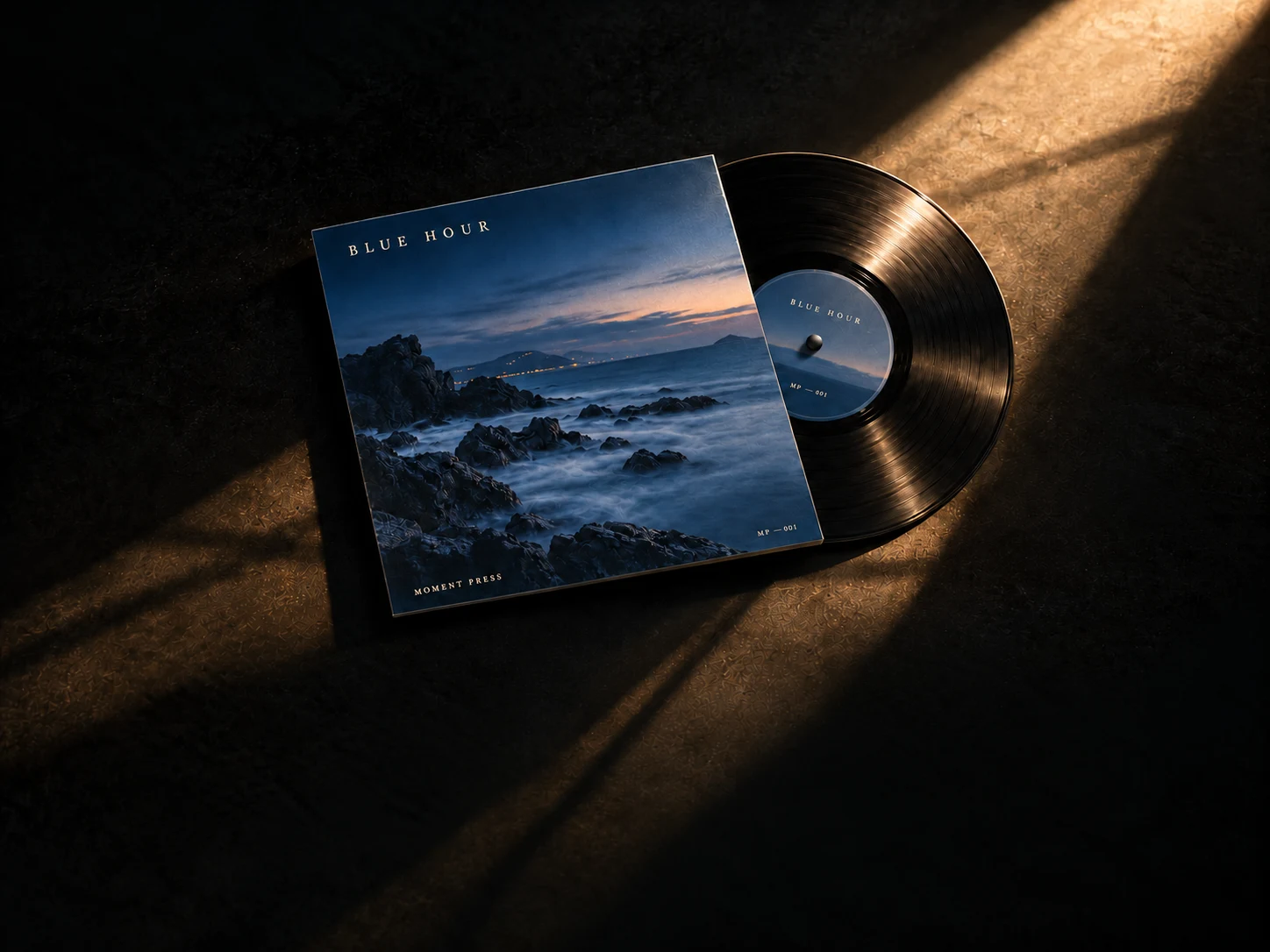
Pin the single moment or soundtrack defining your week right beside your daily apps.
Your 3 free creations fill the entire Medium 3-record shelf row immediately — no subscription required to style your Home Screen.
Turn a dedicated Home Screen page into a nine-sleeve gallery of trips, seasons, and late-night walks. Tap any cover to play.
Organize your records into series — like Summer Film, Night Drives, or Tokyo Trip — inside Moment Press. Long-press the Home Screen widget and choose Edit Widget to bind different pages of your iPhone to different record series.
Every Moment Press sleeve uses curated editorial layouts — terracotta mats, Swiss archival grids, soft duotones, and silkscreen textures — so nine different camera-roll photos still look harmonious side by side on one shelf.
Tapping any sleeve opens Moment Press directly to that exact record on the turntable so you can drop the needle and listen immediately.
No. The Home Screen shelf uses static native WidgetKit rendering with zero background polling, while live animations run only when you're actively listening or viewing Dynamic Island.